How to stop a multi-stage campaign?
Pause a sequence Resume a sequence Avoid a sequence to be sent
This feature has been discontinued and is not available for new Gmelius users.
Head to the sequence menu in your dashboard and under the Actions, deactivate the sequence you used for the multi-stage campaign.
Note that this does not apply to the 1st stage of your sequence.
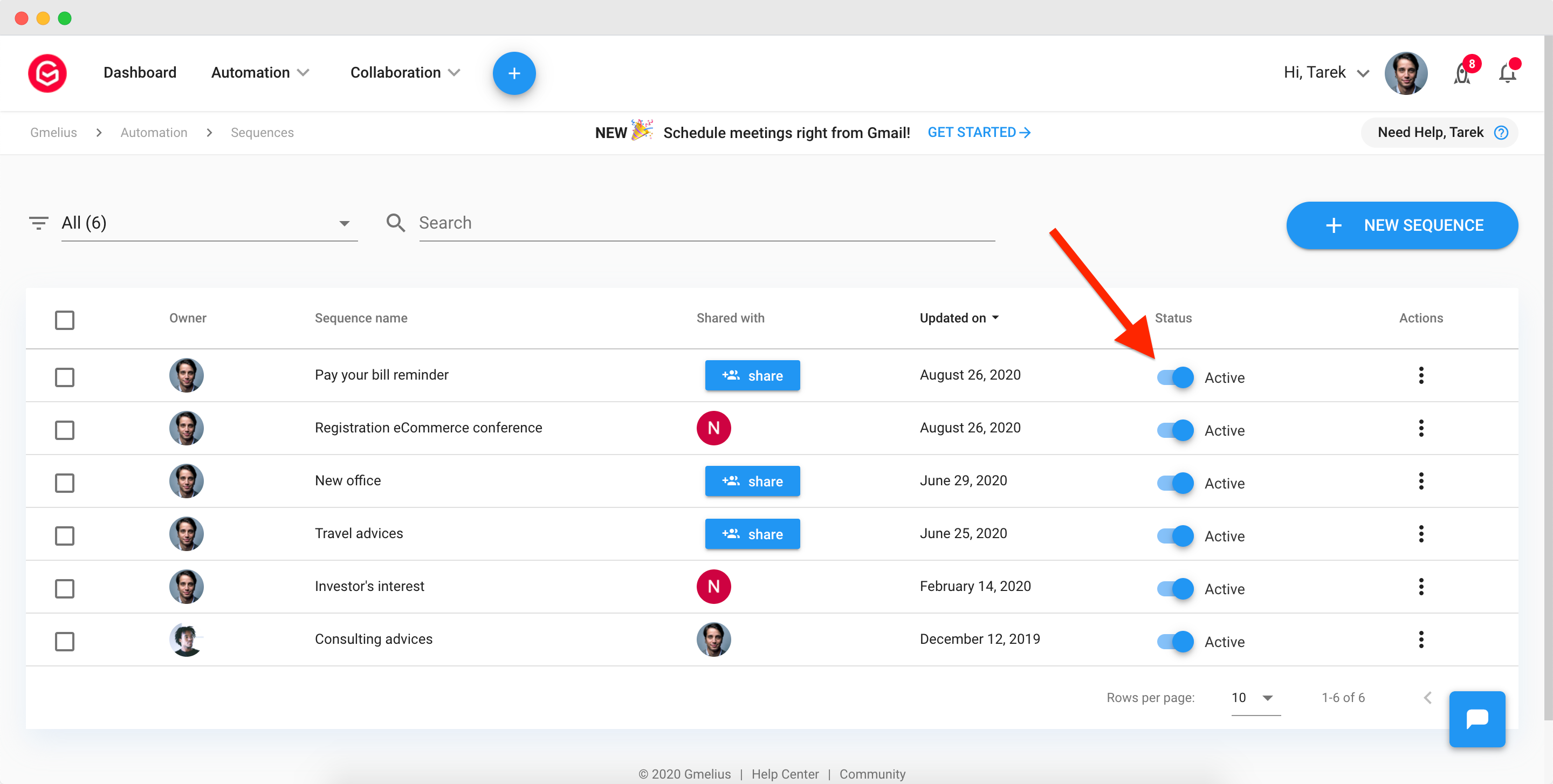
While inactive, the days you set in a sequence are still counted. When re-activated the sequence will resume as initially planned.
To automatically pause the flow of a multi-stage campaign during the weekend, see here.
How did we do?
Why my campaign is not sent to all contacts?
How to export my Google contacts to a CSV file
