

Gmelius offers two methods for attaching files to a template.
1. Upload a standalone document
This method is only available to Growth and Pro customers. The total size of your attachments cannot exceed 25MB per template (maximal size supported by Gmail).
Underneath the body of the template's editor, click on the "Attach files" button and select the file you wish to attach to the template.

2. Use Google Drive links
This method is available to all customers.
First, make sure the Google Drive file you wish to add to your template is publicly shared.
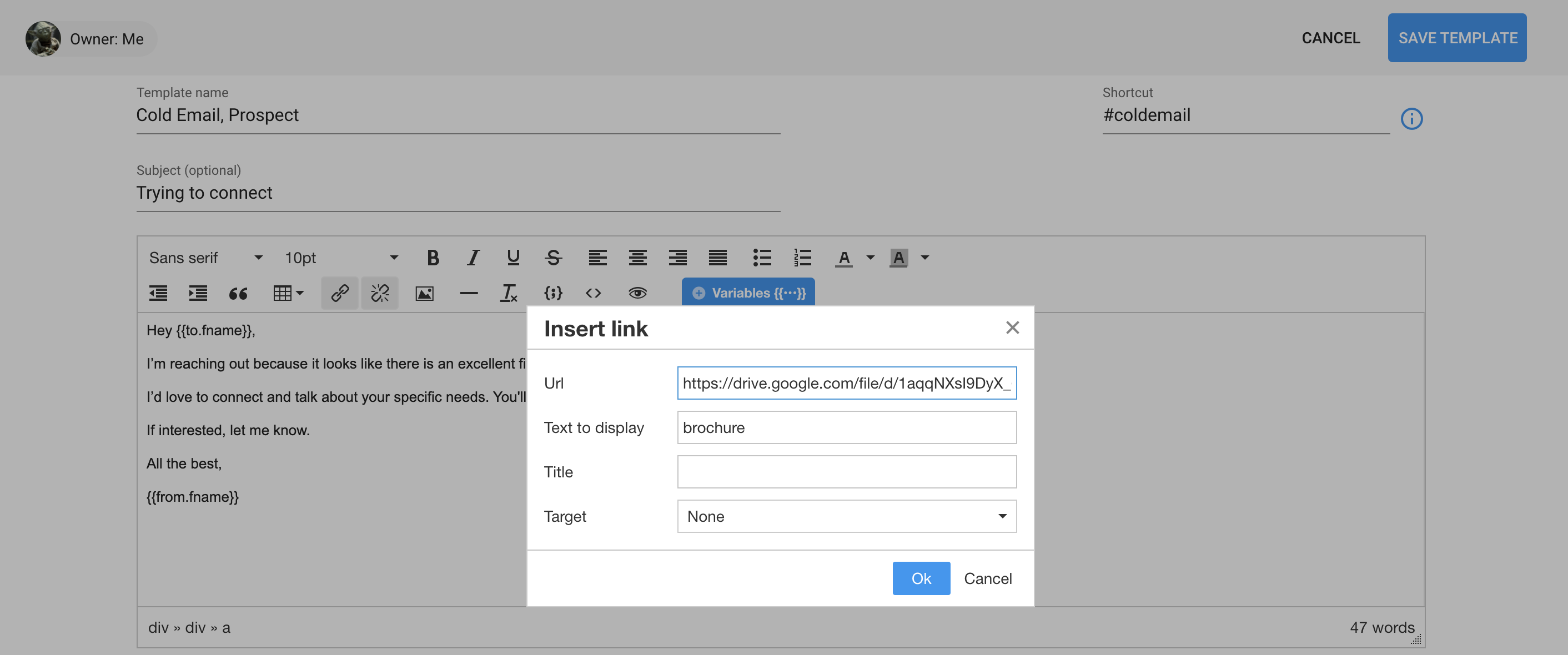
Then, add the URL of the document to the template and Gmelius will interpret the Drive link upon sending and display it as an attachment within compatible email clients.
Insert the Google Drive link of the document to attach in the template's builder as shown below:
Upon sending, Gmelius will display both the attached files and links as attachments to the email, as shown below:
