Set up automatic email follow-ups
Meli automatically creates follow-up drafts for emails that haven’t received a reply and appear to need one. How it works. When you send an email, Meli checks whether a response is likely needed. If…

Updated
by Payam from Gmelius
Meli automatically creates follow-up drafts for emails that haven’t received a reply and appear to need one.
How it works
- When you send an email, Meli checks whether a response is likely needed.
- If a reply is needed and no response is received after your chosen delay (2 business days by default, excluding weekends), Meli generates a follow-up draft for you.
- If the recipient replies before the scheduled time, no follow-up is created.
Where To Find AI Follow-up Drafts
Your follow-up drafts appear:
- In your Gmail Drafts
- In a Gmail label called ✨ AI Follow Up
- In the original email thread
They’re ready for you to review and send.

Adjust Follow-up Timing
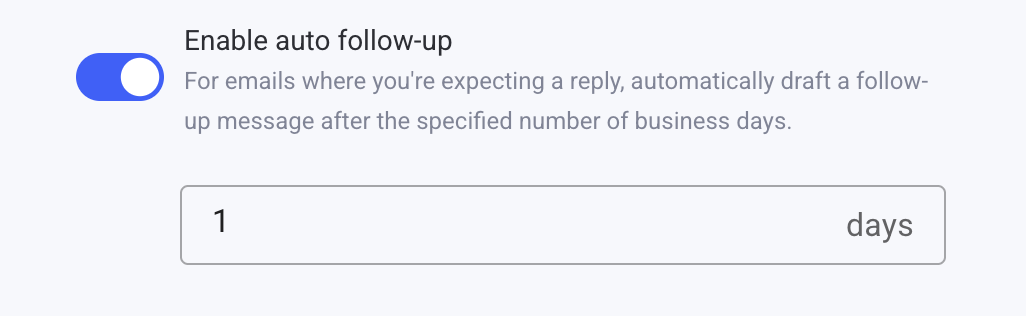
You can choose how long Meli waits before creating a follow-up:
- Open your dashboard
- Go to AI Draft Settings
- Find AI Follow-up under Advanced settings
- Select your preferred delay
- Save your changes
How did we do?
How to find my sitemap
