How to delete a board
This feature has been discontinued and is not available for new Gmelius users. The creator of the board can delete a board as follows: Head to More (Board options) located at the top right corner. Cl…
This feature has been discontinued and is not available for new Gmelius users.
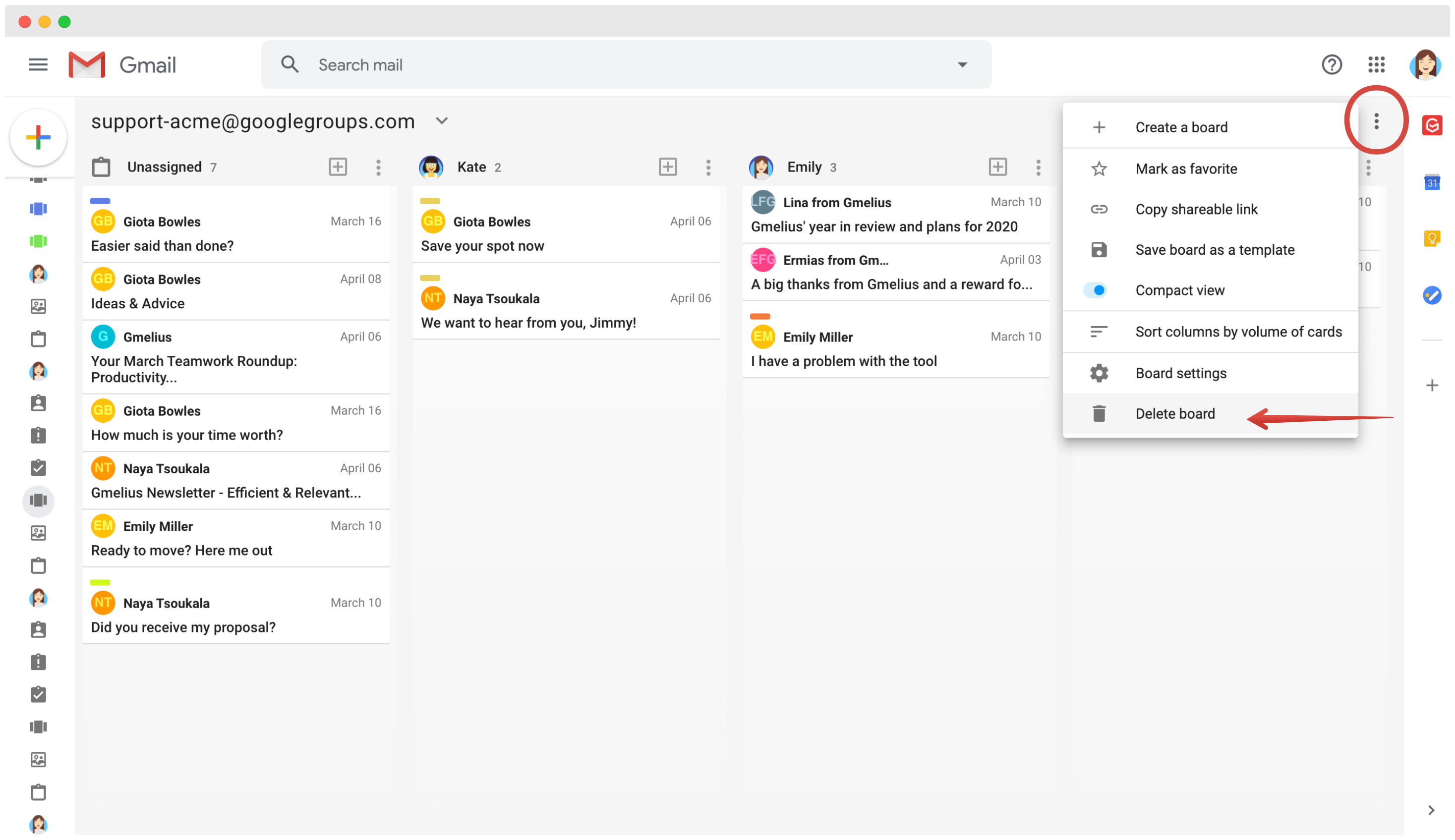
The creator of the board can delete a board as follows:
- Head to More (Board options) located at the top right corner
- Click on "Delete board"
If you have an inbox board (deprecated type of board), head here and delete the shared inbox associated with that board.
How did we do?
